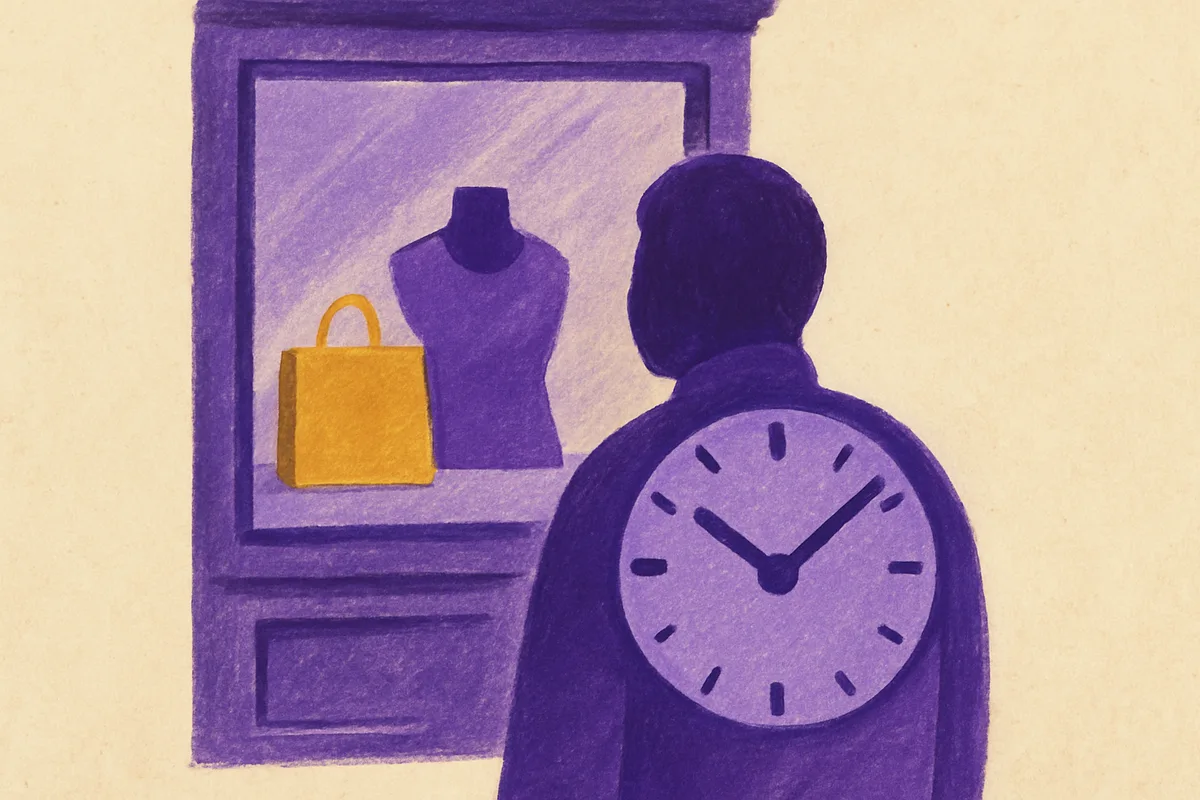
Why Measuring Storefront Dwell Time Beats Foot Traffic Data
Foot traffic tells you how many people walked through the door. It doesn't tell you whether they stopped, browsed, or left within 30 seconds. Knowing how to measure storefront dwell time gives you something far more valuable: a proxy for engagement and purchase intent.
The math backs this up. Research from FastSensor shows that sales increase by 1.3% for every 1% increase in dwell time. That's a direct, measurable link between how long someone stays and how much they spend. Foot traffic alone can't give you that.
Dwell time has shifted from niche analytics into mainstream retail measurement. Amazon Ads now includes average dwell time in its Brand Store Insights dashboard alongside bounce rate and new-to-store visitors. When a platform that size treats dwell as a first-class metric, the signal is clear — counting bodies at the entrance isn't enough anymore.
Smart retailers track dwell time as a core KPI, right next to conversion rate and average transaction value. It answers the question you've been asking: did that new window display actually make people stop and engage, or did they glance and walk on?
Three Core Technologies to Measure Storefront Dwell Time Accurately
No single perfect method exists. Each technology has trade-offs in accuracy, granularity, and cost. Most mature implementations blend two or more approaches — a practice called sensor fusion — to compensate for individual weaknesses.
Mobile Location Analytics: GPS and Geofencing Methods
Mobile location analytics use anonymized device signals — GPS pings, primarily — to determine when a phone enters and exits a defined venue polygon. You draw a virtual boundary around your store. Every device that crosses that boundary gets an entry timestamp and an exit timestamp. The difference is your dwell time.
Accuracy depends on the geofence's precision. A tightly drawn polygon around a small boutique will pick up sidewalk traffic. Too loose, and you miss people near the entrance. For large-format stores and shopping centers, GPS works well. For smaller storefronts on busy streets, you'll need tighter filtering.
SDK and app data can improve signal quality significantly. If your loyalty app captures location with user consent, those signals are cleaner and more reliable than passive GPS pings alone. The trade-off? Coverage drops to only your app users — a fraction of actual visitors — which is why most serious deployments layer in additional sensor signals rather than relying on loyalty data alone.
Wi-Fi and Bluetooth Beacon Systems
GPS struggles indoors. Walls, ceilings, and dense building materials degrade satellite signals. Wi-Fi and Bluetooth fill that gap.
Wi-Fi probe requests are signals that smartphones broadcast automatically when searching for networks. Your access points detect these probes and log device presence — no connection required. By triangulating signal strength across multiple access points, the system estimates position and calculates how long each device stayed in range.
Bluetooth beacons work differently. Small transmitters placed throughout the store broadcast signals that nearby phones can detect. Beacon placement matters: too few creates dead zones; too many creates overlapping signal noise. The right beacon density depends on store layout, ceiling height, and the granularity of zone coverage you need.
Both methods require signal processing to convert raw proximity data into meaningful dwell calculations. That means smoothing out momentary signal drops, handling devices that switch between access points, and discarding signals too brief to indicate genuine engagement.
Computer Vision and AI-Powered Analytics
Camera-based systems offer the highest granularity. They don't just tell you someone was in the store — they show you exactly where they stood, what direction they faced, and how long they engaged with a specific display or fixture.
AI classification makes this approach practical at scale. The system learns to distinguish shoppers from employees, delivery personnel, and people simply cutting through the store. It can identify repeat visitors by movement patterns without storing personal biometric data. It also filters out children accompanying parents, which inflates headcounts in family-oriented retail.
One major advantage: many retailers can integrate these analytics with existing security camera infrastructure, reducing hardware costs. The processing happens in software, not in the cameras themselves.
How to Measure Storefront Dwell Time: Filtering Contamination
Raw dwell data is messy. Without filtering, your average dwell time will be wildly inflated by employees present for entire shifts and deflated by pedestrians who never entered the store.
The industry-standard approach for employee detection uses two thresholds: devices with dwell times exceeding 4 hours are flagged as staff, and devices appearing on more than 20% of reporting days or 6 days, whichever is larger are classified as employees or regular contractors. These rules aren't perfect — a devoted daily customer might get misclassified — but they catch the vast majority of contamination.
Passerby filtering requires careful geofence sizing. If your storefront sits on a busy pedestrian street, a geofence extending to the sidewalk will capture thousands of people who never broke stride. Shrink the boundary to start 1-2 meters inside the entrance. Some systems use directional detection — only counting people who cross the threshold and move into the store, rather than those who pause briefly at the window.
Machine learning refines all of this over time. The system learns staff shift patterns, recognizes delivery schedules, and adjusts for seasonal changes in pedestrian flow. In-store analytics platforms such as Pygmalios distinguish passers-by from genuine visitors using store-specific behavioral data.
Converting Dwell Time Data Into Merchandising Intelligence
Measuring dwell time is useful. Acting on it is where the revenue comes from.
Zone-level analysis shows which areas of your store earn attention and which don't. Maybe the center aisle fixture averages 45 seconds of dwell time while the back-left corner barely registers. That back corner might need better lighting, different product, or a rethink entirely. These aren't guesses — they're data points you can act on today.
Correlation analysis connects the dots between dwell and conversion. Track dwell time changes alongside POS data and you'll start seeing patterns. A 15% increase in dwell at a cosmetics display that coincides with a 9% sales lift in that category tells you something specific and actionable about product placement.
A/B testing becomes far more rigorous with dwell as a success metric. Swap out a promotional endcap on Monday, measure dwell for two weeks, then switch to the alternative. You're not relying on gut feel or anecdotal feedback from floor staff — you've got hard numbers showing which arrangement held attention longer.
Benchmark Dwell Times by Store Format
Your dwell time targets should match your format. Industry benchmarks show wide variation across retail categories. Among the most consistently cited reference points are:
- Convenience stores: 3–5 minutes average dwell
- Shopping malls: 60–90 minutes
Other formats — grocery, apparel, department stores — vary considerably depending on store size, product mix, and shopper mission. Establish your own baseline first, then use year-over-year comparisons for the same period rather than cross-format benchmarks that may not reflect your context. Seasonal shifts matter too: gift-oriented retail typically sees meaningful dwell spikes in December, so comparing holiday performance against a summer baseline will produce misleading conclusions.
Connecting Dwell Metrics to Sales Performance
The question you really need answered: did that new in-store campaign drive longer engagement, and did longer engagement drive revenue?
Attribution models that link dwell increases to revenue lift require integration between your analytics platform and your POS system. When both share a common time axis, you can calculate a conversion rate that accounts for engagement depth — not just "X people entered, Y people bought," but how shoppers who spent meaningful time in a zone compared to those who passed through quickly. In-store analytics platforms such as Pygmalios track this kind of segmented conversion metric at the zone level, linking dwell thresholds directly to purchase events rather than treating the entire store as a single unit.
Dashboard design matters for marketing teams. The most effective layouts show dwell time trends overlaid with campaign calendars, so you can visually correlate a signage change or promotional launch with shifts in engagement. Add weather data as a control variable. Did dwell increase because of your new display, or because rain drove people indoors? Without that context, attribution falls apart.
For omnichannel brands, connecting online ad exposure to in-store dwell completes the picture. A customer who saw your Instagram campaign, walked into the store, and spent 20 minutes browsing represents a measurable journey — if your systems can connect those signals.
How to Measure Storefront Dwell Time: Implementation Roadmap
Starting with every location at once creates chaos. A phased rollout reduces risk and lets you calibrate before scaling.
Phase 1: Single-location pilot (Weeks 1–6). Choose a store with moderate traffic — not your busiest flagship and not your quietest outpost. Install your chosen sensor technology. Spend four to six weeks collecting baseline data. This phase is about understanding your data's noise profile: how many passerby false positives you're seeing, whether employee filtering thresholds work for your staffing model, and what your natural dwell patterns look like across days of the week.
Phase 2: Multi-location rollout (Weeks 7–14). Expand to 3-5 locations with different formats if possible. Calibrate employee filtering for each site — a store with 8 staff behaves differently from one with 30. Compare dwell patterns across locations. At this stage, you're validating that your methodology produces consistent, comparable data.
Phase 3: Integration and activation (Weeks 15+). Connect dwell data to your existing BI tools, retail media platforms, and POS systems. Build the dashboards your marketing team actually needs — not a data dump, but focused views that answer specific questions. "How did last week's window display change affect dwell?" should be answerable in under 30 seconds.
Define success criteria before you start. A reasonable target: within 90 days, your team can demonstrate a measurable correlation between a specific merchandising change and a dwell time shift, validated against sales data. That's the proof point that justifies wider investment.
Sources
- Mapular — Dwell time glossary with venue benchmarks and mobile location methodology
- Xovis — In-store dwell time measurement use case and path-to-purchase analysis
- Azira — Employee filtering thresholds and inner vs. outer dwell time methodology
- FastSensor — Sales lift correlation (1.3% sales increase per 1% dwell increase) and retail performance metrics
- The Storefront — Data-driven measurement framework for retail activations
- Amazon Ads — Brand Store Insights including average dwell time as an official metric
- IAB DOOH & In-Store Retail Media Playbook 2024 — Dwell time measurement standards for in-store media